
Claude, ChatGPT and voice
Your sales system, in the assistant you already use.
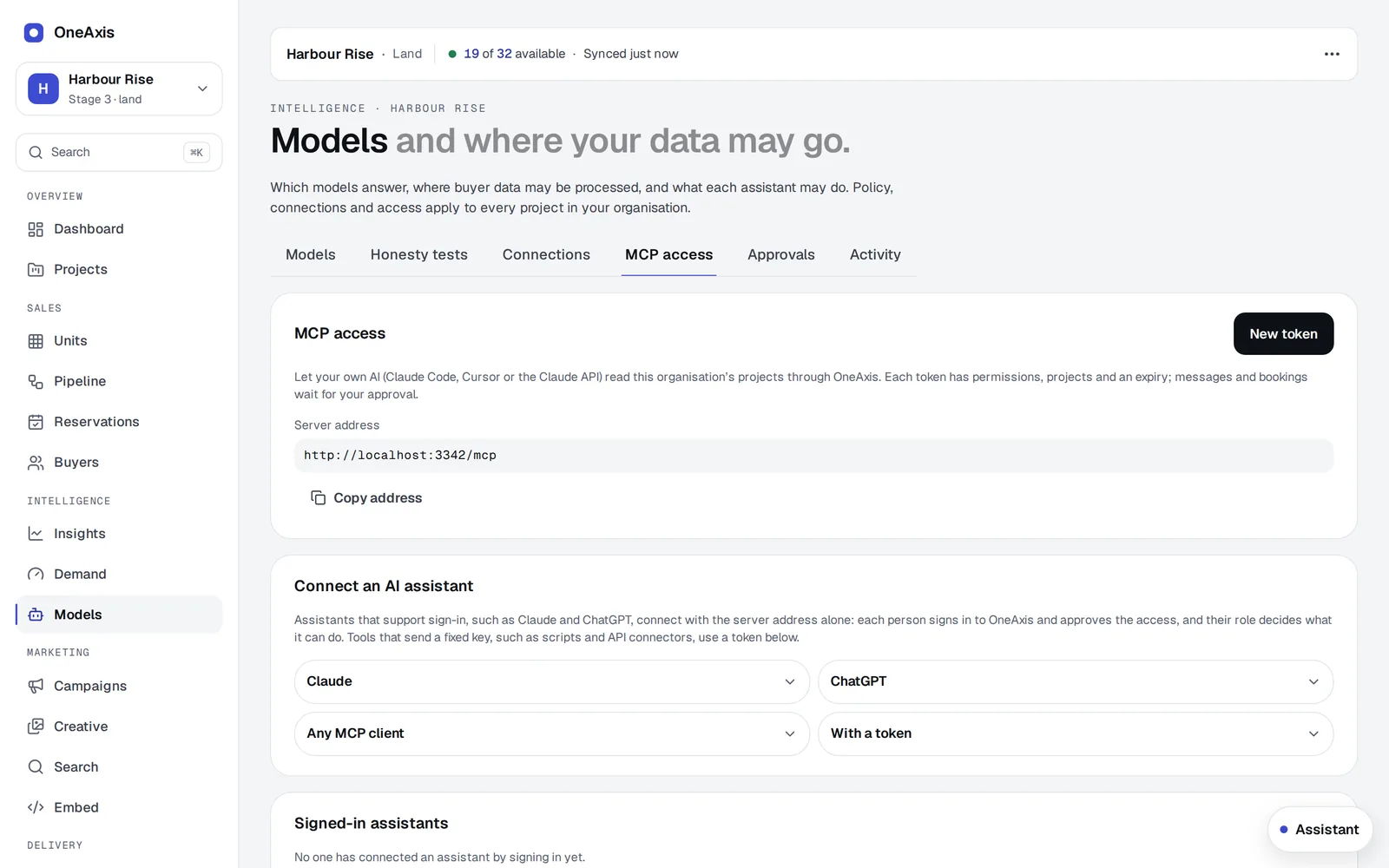
OneAxis runs an MCP server, the open standard assistants use to connect to tools. Add it to your team's Claude or ChatGPT, sign in, and ask about your project the way you'd ask a colleague.
In your pocket
Ask it like a colleague. It answers from your live sales data.
Your assistant calls OneAxis for the facts: who looked at what, which lots are held, what each buyer told you. The answer comes back in seconds, with the details to act on.
- Answers come from OneAxis records, never from the model's guess
- Briefs, notes and reminders land in your OneAxis workspace
- A message to a buyer is drafted, then waits for you to send it from OneAxis
Who's drifting on Harbour Rise? Who do I call first?
OneAxis Drifting · Stage 3
- Mia T.Lot 214 · compared 4×quiet 3 days
- Raj P.Lot 207 · savedquiet 5 days
- The ChensLot 219 · sun checkquiet 6 days
Call Mia first. She compared Lot 212 and 214 four times, and 212 now has a hold. Open with 214's north yard.
Prepare my 3 pm brief and draft her a WhatsApp.
OneAxis Brief ready · 3:00 pm
Budget $600k to $630k · first home · wants a north yard · finance pre-approved
OneAxis WhatsApp draft to Mia
“Hi Mia, Lot 214 gets seven hours of winter sun in the yard. Free to walk it Saturday?”
Waiting for you Sent only when you send it from OneAxis
What an assistant can do
- Read: the sales pulse, who is drifting, a buyer's brief, leads, stock and unit details, comparisons, sun and aspect
- Act: add a note, set a reminder, book a visit, request a call-back, draft a WhatsApp
- Ready-made prompts such as "call brief" and "who is drifting"
- Buyers' own assistants can explore a published project, compare homes and ask the sales team a question, when you switch that on
Who decides
- Each person signs in as themselves. The assistant gets exactly what their role allows, checked on every request
- Anything that leaves OneAxis, such as a message to a buyer, waits for a person to confirm
- Remove access and it stops at once
Where data goes
- Your organisation chooses: any approved provider, Australia only, or your own servers
- Names and contact details are masked before a cloud model sees them
- Spending limits per day and per conversation
Inside the app
- A resident assistant on every screen for your team, and for signed-in buyers when you switch it on
- Notes, reminders and voice notes turned into text for you to check
Connected in a minute. Removed in one click.
An owner switches assistants on in Settings and chooses who may connect. Each person adds OneAxis to Claude or ChatGPT and signs in. Turn it off and every connection stops at once.
Your models, your rules.
Route each job to the model you trust: Claude, Claude hosted in Australia, or an open model on your own servers. Six honesty tests must pass before a model answers buyers.

Coming next (in build, October 2026)
Hands-free voice
Talk to OneAxis and hear the answer, for agents on the road. Anything to be sent is read back first.
Confirm from your phone
Ask your assistant to send something, then confirm it with one tap on your phone instead of waiting for an admin.
OneAxis-hosted models
Open models run by OneAxis in Sydney for light work, with Claude as the fallback.
These are in build and not yet available. Product status is kept current.
The free Presale Health Check
Send us one price list. We'll show you who's serious.
- A price list and stock status, and a CRM export if you like
- Within 48 hours: demand against stock, pricing gaps and a settlement-risk checklist
- What a 90-day pilot would change, in writing
- No call needed unless you want one